What you seeSupport or an appeal page wants me to record a video holding my ID
Binance wants a video of you holding your ID: which one is it, and what do you read?
Look at where the request to record a video showed up. Was it inside the 2FA reset flow you started from the login page? In a live chat with Binance support? Or on an appeal page you opened after a campaign told you Not Eligible? Binance has a separate help page for each of these, and each asks you to read a different sentence and send the video somewhere different.
What they share: your ID in your hand, your face and the ID both clearly visible, and a statement that includes the date and your account email. For a 2FA reset and the live chat call, the ID has to be the one you used for identity verification on the account. The campaign appeal page only says “ID document”, so prepare whatever that appeal screen asks for. If the real problem is that you cannot remember which email the account uses, that is a fourth case, the Forgot Account appeal, and its sentence is on the can’t log in page.
Which Binance video is this? Check where the request came from
B-01On screenI asked to reset Google Authenticator, SMS or email verification and was told to submit a video
That is the 2FA reset video. You record it yourself and send it, together with a photo of the ID shown in it, to Customer Service. Go to the first section below.
B-02On screenLive chat support says they want to schedule a video call with me
That is the statement video call. Nothing to record in advance: you read the statement live on camera, but only the Binance team can start the call. See the second section.
B-03On screenA campaign says Not Eligible or Account Disqualified for Activities, and the appeal asks for a video
That is the campaign appeal. You record the statement inside the appeal page itself, and some cases also ask for a deposit video. See the third section.
Video for a Binance 2FA reset request: the sentence and where to send it
This section follows Binance’s How to Record a Video for My Reset 2FA Request, which shows a publish date of 4 November 2026. Its first line sends you somewhere else: if you lost your 2FA device and want a manual reset, start with the self-service flow in “How to Reset 2FA When I Can’t Access My Binance Account?”. The clicks for that flow are on the authenticator lost with the old phone page.
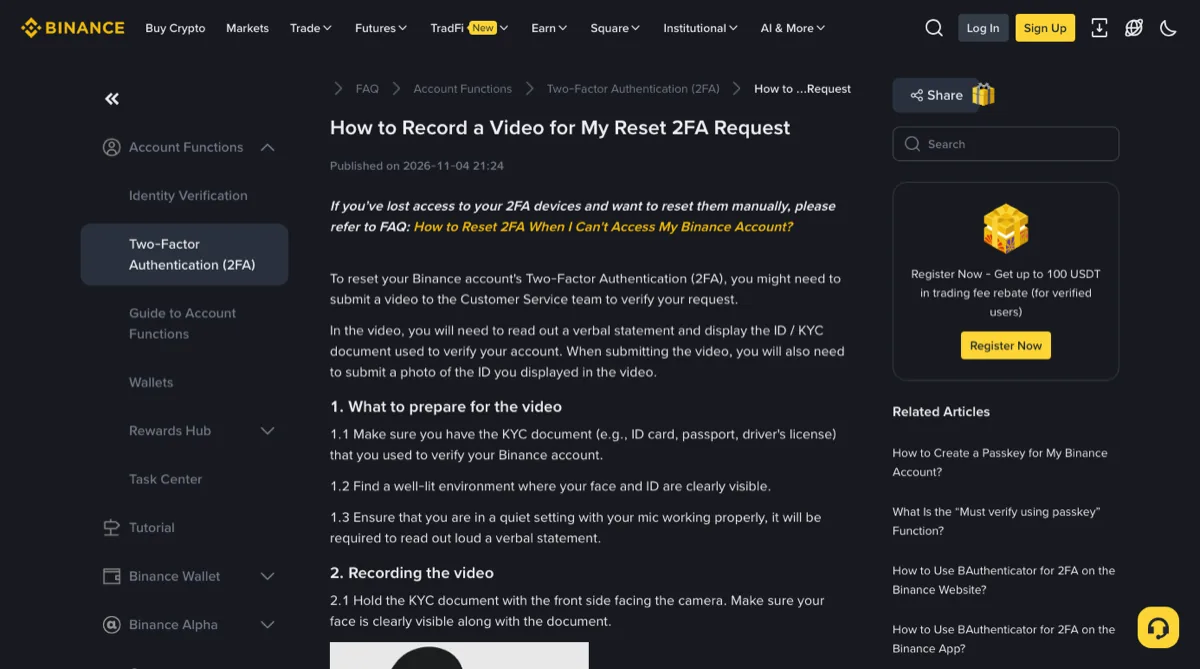
Have three things ready before you press record. The KYC document you verified the account with, such as an ID card, passport or driver’s license. Good light, so your face and the document are both easy to see. A quiet room and a working microphone, because you will be reading out loud.
Hold the document front side to the camera and read this, filling in your own details:
“Today is DD-MM-YYYY, I’m applying to reset the Google/SMS/Email/Passkey security verification (2FA) for my account. I confirm that it is my own activity, and I am contacting Binance customer service to reset Google/SMS/Email/Passkey security verification for my Binance account [email protected].”
The slashes are a menu. Say only the method you are actually resetting, both times it comes up.
There are two ways to submit: the reset 2FA appeal link, or CS Live Chat. The appeal link has a condition, in Binance’s words: you “must have attempted manual reset first before you can use the appeal feature.” If you skipped the self-service reset, go back and try it. Send the video with a picture of the ID card, driver’s license or passport you held up in it. No watermark, no edits.
The page also asks you to give Customer Service five things in writing: today’s date, your request (to reset your 2FA), a clear confirmation that you authorize this activity, a statement of your purpose, and your account email. Yes, the video already says most of it. Write it anyway.
The optional security questions: registration date and IP
Binance marks this step optional, and says only some users get asked. The answers sit in the email you got when you signed up, with the subject line “[Binance] Confirm your Registration From XXX (IP address) - XXX (date)”. Search your inbox for Confirm your Registration and copy the IP address and date from that subject into the chat. The page says giving them at the same time can help confirm your identity and speed up the review.
After the review, the Binance team tells you whether the request went through or needs something more. The page gives no timeframe for that.
Binance live chat video call: you can’t call them, they call you
This one follows How to Complete Statement Video Call with Customer Support Live Chat, published 6 March 2025. It covers requests you raise in live chat for things like verifying your identity, resetting 2FA or enabling withdrawals. The team reviews the case and, if needed, calls you by video at a time that suits you.
Three things that are easy to miss:
- Contacting support from a phone browser triggers a pop-up that sends you to the Binance app. Install the app and log in before the call.
- You have to consent to Binance’s disclosures and agree to the terms of use before you can answer. Skip that and the call cannot start.
- The page is blunt about who dials: “you cannot call the Binance team, but the team will call you via video when you are ready.” Tell them in the chat when you are ready, then wait.
On the call, the routine is the same as the recorded video: ID front side to the camera, your face visible, then the statement. For a 2FA reset it is the same sentence as in the section above. For enabling withdrawals it is this one:
“Today is DD-MM-YYYY, I’m applying to withdraw XXX USDT from my account. I confirm that it is my activity, and I am contacting Binance customer service to enable the withdrawal function of my Binance account [email protected].”
Binance only gives a USDT version. If you want to withdraw a different coin, ask in live chat which coin, amount and wording to say before the call begins. Once you have read it and shown the ID, the result comes back to you in the chat.
B-04On screenSomeone on Telegram, WhatsApp or a phone call wants a video verification with me
Compare that with the page above. A genuine call comes after you opened a request in Binance’s own live chat and the team reviewed it, and it is started from that chat. A “video verification” that arrives through a messaging app, an unknown number or a direct message has come in the wrong door. Do not hold up your ID there, do not read any statement, and never read out a code. How to recognise fake support is covered on the does Binance support call you page.
Binance campaign appeal after Not Eligible: the video is recorded on the appeal page
The source here is Why Is My Binance Account Not Eligible for Campaigns?, published 13 October 2026 and updated 15 October 2026. First, check the scope. Failing the campaign risk assessment only affects campaigns and their rewards; the page says trading, deposits, withdrawals and P2P keep working normally. If those are blocked too, you are dealing with something else, and the frozen or locked account page is the place to start.
Appeals go in through the Binance App. The statement video is recorded on the appeal page, and the rules differ a little from the two above:
- Hold the ID document next to your face, both clearly visible in the same frame.
- Say the date you are filming and the email address of your Binance account.
- Speak in English, or hold up a handwritten note with the statement in English. While holding the note you may speak your own language.
- If you cannot speak, hold a paper with the statement and add “I cannot speak due to disability.” No speaking is needed.
Some cases also ask for a deposit video. Pick one of two ways to film it:
- With your face visible, record yourself logging in to another wallet or exchange (not Binance). You may cover the password. New users show their first deposit record. Existing users show a deposit from the last 3 months; older is better, and same-day transactions are not accepted. The details must match your Binance account.
- If you never made a crypto deposit, show your P2P transaction history and bank transfer records instead. The external platform’s account information or login process still has to appear on screen.
The help page gives a usual review time of up to 7 working days, excluding weekends and public holidays, with the result sent to your registered email; follow any different timeframe shown on your appeal page or support ticket. Resubmitting materials restarts the count from that day. If 7 working days pass with nothing, contact Binance Support again and quote your appeal ID.
Do not spend the appeal asking why you were flagged. The page says Binance can’t share the exact reason for security reasons. What moves a manual review is proof that you are the account holder and that the deposits came from you.
The four Binance statement videos side by side
| Request | Your statement must include | Who presses record | Sent to |
|---|---|---|---|
| 2FA reset | Date, the method being reset, that it is your own activity, account email | You | Reset 2FA appeal link or live chat, plus an ID photo |
| Live chat video call | Date, the request (2FA reset or the USDT amount to withdraw), your own activity, account email | Binance starts the call | Read live on the call |
| Campaign appeal | Filming date, account email | The appeal page | The appeal page; usually reviewed within 7 working days |
| Forgot Account appeal | The English sentence given on the appeal page, dated the day you record | You, then upload the file | The appeal page; steps on the can’t log in page |
The ID rules are not identical either. The 2FA reset and the live chat call want the KYC document you verified with. The campaign appeal asks for an ID document. The Forgot Account appeal wants the ID in the video to match the photo you upload. If you have renewed or replaced your ID since verifying, ask support which one to hold up before you record. And if it is the face scan itself that keeps failing, that is a separate problem, worked through on the face verification failing page.
Short answers
Can I put a watermark on the video so nobody can reuse it?
No. The 2FA reset page says not to put watermarks on the video and not to edit it, and the Forgot Account appeal asks for one continuous take. If you are worried about the clip leaking, control where it goes instead: only upload it through Binance's own routes, meaning the reset flow from the login page, the appeal link, or live chat inside the Binance app or website. Never send it over a messaging app, by email or to a file link someone gives you.
Do I have to speak English in the video?
Not for a 2FA reset or the live chat video call. Both pages say you can speak your preferred language, as long as you write the statement out on paper with the correct date and email and hold it up next to your ID. The campaign appeal page asks you to speak English or hold a handwritten note with the statement in English, and you may talk in your own language while holding it. If you cannot speak, hold a paper with the statement and the line I cannot speak due to disability.
My campaign appeal was rejected. Is it worth recording a new video?
Only if you have something new to add. Binance's page says you can submit another appeal with new materials of proof, otherwise the result will likely stay the same. A resubmission also restarts the review clock from that day, so a fresh video on its own mostly buys you another wait.
Filed under these lines
T-8Account restrictionsT-4Authenticator and passkeysT-3Identity verification